Fancy Text Generator - Copy and Paste Stylish Text
A Fancy Text Generator helps you transform ordinary words into stylish text that you can copy and paste into social media profiles, messages, usernames, captions, and online conversations. Whether you want elegant cursive letters, bold characters, bubble text, or creative decorative styles, the right tool makes it easier to personalize your words without manually changing each character. These styles can help your text stand out and express your personality across different digital platforms. From Instagram bios to Discord usernames, you can explore different designs and choose the one that matches your purpose. Simply enter your text, browse the available styles, and copy your preferred result.
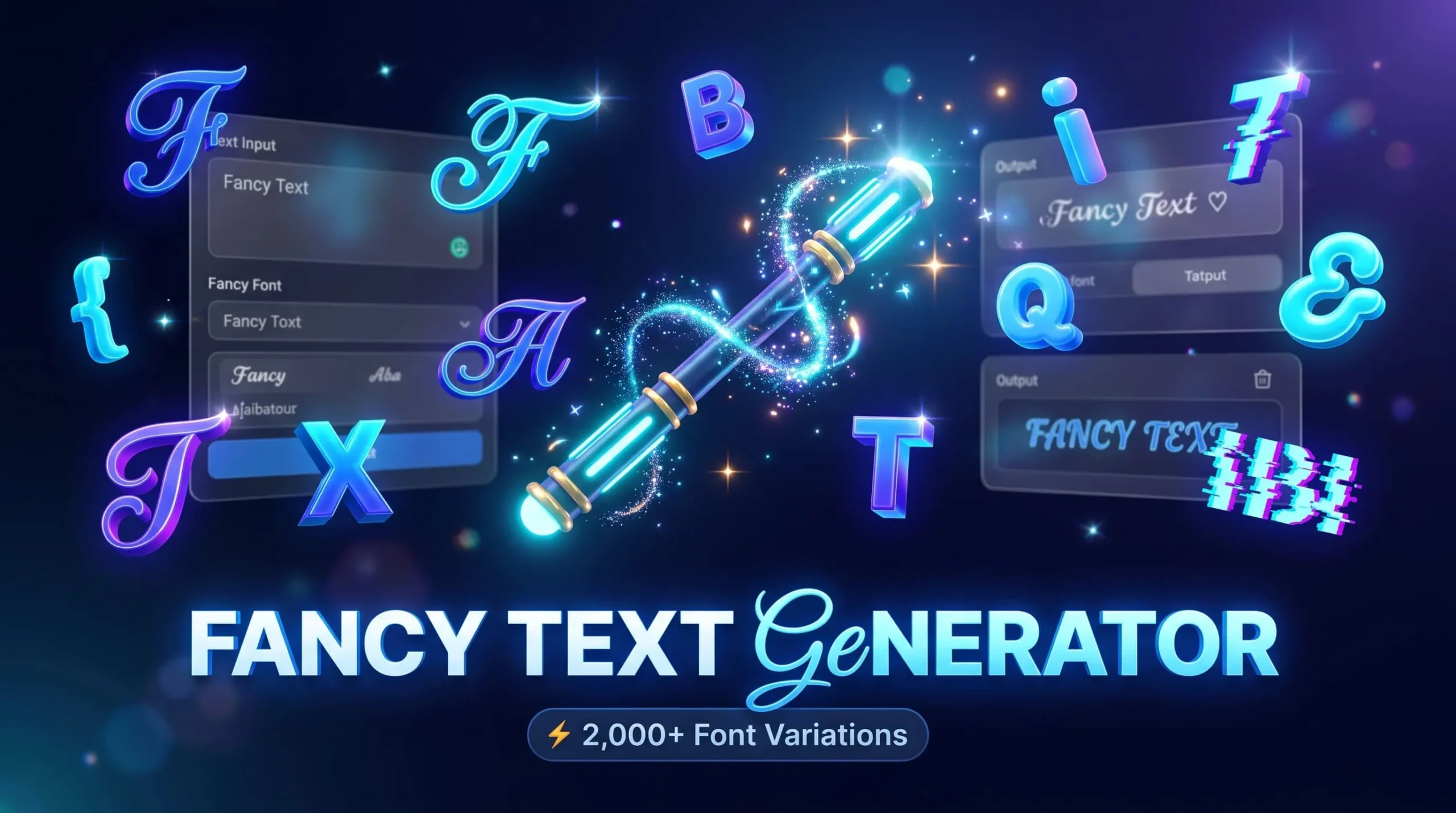
Generate Fancy Text in Different Styles
Sometimes, ordinary text does not express the personality or mood you want to convey. A stylish font can give a username a distinctive appearance, make a profile description more interesting, or add a creative touch to a short message.
Our online text styling tool is designed to make this process straightforward. Enter your words in the input box and explore different variations of your text. Once you find a design you like, you can copy it and paste it wherever the platform supports those characters.
You do not need to learn graphic design or manually replace individual letters. The tool handles the transformation, allowing you to focus on choosing a style that suits your content.
Stylish Text for Every Occasion
Different situations call for different text styles. A decorative username might work well for a gaming profile, while a simple cursive style could suit a personal bio. Bold letters can emphasize a short phrase, and bubble characters can create a playful appearance.
Consider the purpose of your text before choosing a design:
-
Personal profiles: Give your bio or display name a distinctive look.
-
Social media captions: Highlight a short phrase or important message.
-
Gaming usernames: Experiment with decorative characters and alternative letter styles.
-
Messages and status updates: Add personality to selected words.
-
Creative projects: Explore text variations for concepts, names, and informal designs.
Choose a style that remains readable and fits the context in which you plan to use it.
Copy and Paste Your Favorite Text Style
Copy-and-paste functionality is one of the most convenient features of online text styling. Instead of downloading a font file or installing additional software, you can copy the generated characters and try them in compatible applications.
After selecting a style, use its copy option if available. Then open your preferred platform, place the cursor in the relevant field, and paste the text.
Explore Different Fancy Text Styles
Every text style creates a different visual impression. Some are elegant and subtle, while others are playful, bold, or deliberately unusual. Exploring multiple options helps you find a suitable design without changing the meaning of your original words.
Cursive and Script Text
Cursive text gives letters a flowing, handwritten appearance. It is a popular choice for personal bios, decorative names, short captions, and aesthetic profile descriptions.
Script-style characters can make a phrase appear more elegant, especially when used sparingly. They may also work for informal invitations, creative headings, and personal messages.
However, some cursive characters can be difficult to read, particularly in longer paragraphs. For better readability, consider using this style for names, short phrases, or selected words rather than replacing every sentence with decorative lettering.
Bold and Strong Text
Bold text styles are useful when you want certain words to attract attention. Depending on the available character set, a generated variation may resemble bold lettering while retaining a copy-and-paste format.
You can experiment with bold characters for short announcements, profile descriptions, gaming names, and selected phrases in social media captions.
A little emphasis can make a message easier to scan. However, using bold-looking characters throughout a long passage may reduce readability, and these characters do not necessarily behave like conventional bold formatting in a word processor.
Bubble and Circle Text
Bubble text uses rounded or enclosed letter designs to create a playful appearance. Some styles place letters inside circles, while others use rounded shapes that resemble outlined lettering.
These designs can work well for short usernames, creative captions, informal messages, and decorative labels. They are particularly useful when you want a softer visual style rather than sharp or heavy lettering.
Not every alphabet character or number has an equivalent in every bubble style. Check the generated result before copying it, especially when your text contains numbers, punctuation, or special symbols.
Glitch and Distorted Text
Glitch text creates a distorted or digital effect. Depending on the style, letters may appear interrupted, shifted, or combined with unusual marks.
This look can suit gaming profiles, creative usernames, experimental artwork concepts, and technology-inspired captions. It can also help a short phrase feel more dramatic or unusual.
Some glitch effects rely on combining Unicode characters or marks with ordinary letters. Excessive distortion may make text difficult to understand or cause inconsistent rendering on different devices. Use simpler effects when readability matters.
Zalgo and Decorative Text
Zalgo text is known for its unusual appearance, often created by adding multiple combining marks above, below, or around letters. This produces a heavily distorted effect that differs from conventional decorative lettering.
It can be used for creative experiments, fictional character names, themed posts, and unusual visual effects. However, heavily marked text may be difficult to read and can display inconsistently across applications.
Some platforms may limit, remove, or handle these marks differently. For everyday communication, moderate decorative styles are generally more practical.
How to Use the Fancy Text Generator
Creating styled text should be a simple process. You can usually complete it in a few steps without installing a font or learning complicated design software.
1. Enter Your Text
Start by typing or pasting your desired words into the input field. You can use a name, username idea, short sentence, caption, or another piece of text you want to style. Check the spelling before generating the result.
2. Choose a Style
Browse the available text variations and compare their appearance. You might prefer an elegant cursive design, rounded bubble letters, bold characters, or an unusual decorative effect suited to your platform.
3. Copy and Paste
Once you have selected a suitable result, use the corresponding copy option. Navigate to the application or website where you want to use the text, paste it into the field, and verify how it renders.
What Is a Fancy Text Generator?
A fancy text generator is an online tool that produces alternative text appearances using special characters, Unicode symbols, and other character variations. Instead of simply changing the font applied to text inside a design application, many of these tools create a different sequence of characters that can be copied into compatible text fields.
Unicode is a standard that assigns identifiers to characters used across many writing systems and symbol collections. It includes more than ordinary letters and numbers, which is why certain characters can create mathematical, enclosed, script-like, and other decorative appearances.
These alternatives are not always conventional fonts. A traditional font changes how supported characters are drawn, while a Unicode-based text style may substitute one character for another. This distinction explains why styled text can sometimes be pasted into a profile or message without carrying a font file with it.
Compatibility is not universal, though. Applications can use different fonts and rendering systems, and some decorative characters may be unavailable or restricted in particular fields. As a result, the same text may look slightly different across devices.
Where Can You Use Fancy Text?
Styled text can be useful across many online platforms, especially where users can personalize display names, bios, captions, or messages. The available options depend on each platform's rules and character support.
Fancy Text for Instagram
Instagram users often experiment with decorative lettering in bios, captions, display names, and other profile text. A cursive name or a few stylized words can create a different visual impression without requiring a graphic design application.
Keep your profile easy to understand. Using unusual characters for every word may make your account harder to search for or your bio more difficult to read.
Fancy Text for TikTok
TikTok creators can experiment with styled text for supported profile fields, display names, and selected descriptions. Different lettering styles may complement a creator's theme, whether it focuses on gaming, entertainment, fashion, or everyday content.
Remember that profile fields and video text tools do not necessarily support the same formatting options.
Fancy Text for Discord
Discord users may want decorative characters for display names, server identities, or other supported text fields. Certain styles can complement gaming communities, themed servers, and personalized profiles.
Choose characters that remain recognizable to other members. Highly distorted text can be difficult to read in fast-moving chat channels.
Fancy Text for WhatsApp
WhatsApp users may experiment with decorative characters in supported profile information, status text, and messages. These characters can add a personal touch to short phrases or display names.
Unicode-based decorative text is different from WhatsApp's built-in text formatting features (like asterisks for bolding).
Why Use Our Fancy Text Generator?
An effective text styling tool should make it easy to explore different appearances and select a result that fits your needs. The goal is to reduce the effort involved in finding decorative characters while keeping the process understandable.
Here are some practical benefits to look for when using an online generator:
-
Multiple styles: Compare different lettering designs in one place.
-
Simple workflow: Enter text, review the variations, and select a preferred result.
-
Copy-and-paste convenience: Reuse supported characters in compatible applications.
-
Flexible uses: Experiment with usernames, bios, short messages, captions, and creative concepts.
-
No font-file workflow: Unicode-based styles generally do not require recipients to install the same font file.
-
Different creative options: Choose subtle lettering or more expressive decorative effects according to the situation.
Always check the available features on the tool itself. The most useful result is one that looks appropriate, remains readable, and works in the application where you intend to use it.
Frequently Asked Questions
Is the Fancy Text Generator Free to Use?
Whether a particular tool is free depends on its features and usage terms. If the generator is offered without a fee, you can use its available styles according to the website's conditions. Check the site's information for any limitations.
How Does Fancy Text Work?
Many generators use Unicode characters, symbols, and combining marks to create alternative text appearances. The tool maps your input to available character variations, which you can then copy and paste into compatible applications.
Can I Copy and Paste Fancy Text Anywhere?
You can paste styled characters into many text fields, but not every platform supports every character. Some applications restrict certain symbols, while others may display them differently. Test your chosen style before relying on it.
Does Fancy Text Work on Mobile Devices?
Unicode-based text can work on many smartphones, provided the operating system and application support the selected characters. Display and compatibility may vary, so it is helpful to test the result on your device.
Why Do Some Fancy Characters Appear Differently?
Characters can look different because devices, operating systems, browsers, and applications may use different fonts and rendering systems. Unsupported characters may appear as empty boxes or replacement symbols.
Is Fancy Text the Same as a Font?
Not always. A conventional font changes the visual appearance of characters, while many online text generators replace ordinary characters with alternative Unicode characters. The two methods can look similar but work differently.
Can I Use Fancy Text for Usernames?
You can experiment with decorative text for usernames where the platform permits those characters. However, each platform may impose character restrictions, and unusual lettering may make an account harder to find or recognize.
Can Fancy Text Improve My Social Media Profile?
Styled text can add visual variety and help express a particular personality. It does not guarantee more followers or engagement, so focus on readability, relevant content, and a profile that clearly communicates who you are.
Conclusion
Personalizing your online text is a simple way to experiment with different visual styles and express your personality across digital platforms. A Fancy Text Generator can help you explore cursive, bold, bubble, glitch, and decorative character variations without manually creating each design. You can use these styles for compatible profile fields, usernames, captions, messages, and other short pieces of text. The key is to choose a design that suits your purpose while keeping your words readable. Before using a result, check how it appears on your intended platform and device. Explore the available styles, copy your preferred variation, and find a look that works for your content.